Stardew Valley Content Patcher Expand and customize your
Stardew Valley experience!


A powerful mod that lets you add content packs
without replacing original game files.


Key Features
Modify your game safely and easily
Custom Content
Add portraits, textures and more

Dynamic Patches
Apply changes based on in-game conditions

No File Replacement
Keep original files intact

Better Compatibility
Reduce conflicts with game updates

Endless Creativity
Customize the experience with compatible content packs
Make Stardew
Valley truly yours!


Gallery
See what’s possible with Content Patcher


- Custom portraits
- New maps & areas
- Reskinned content
- And much more!

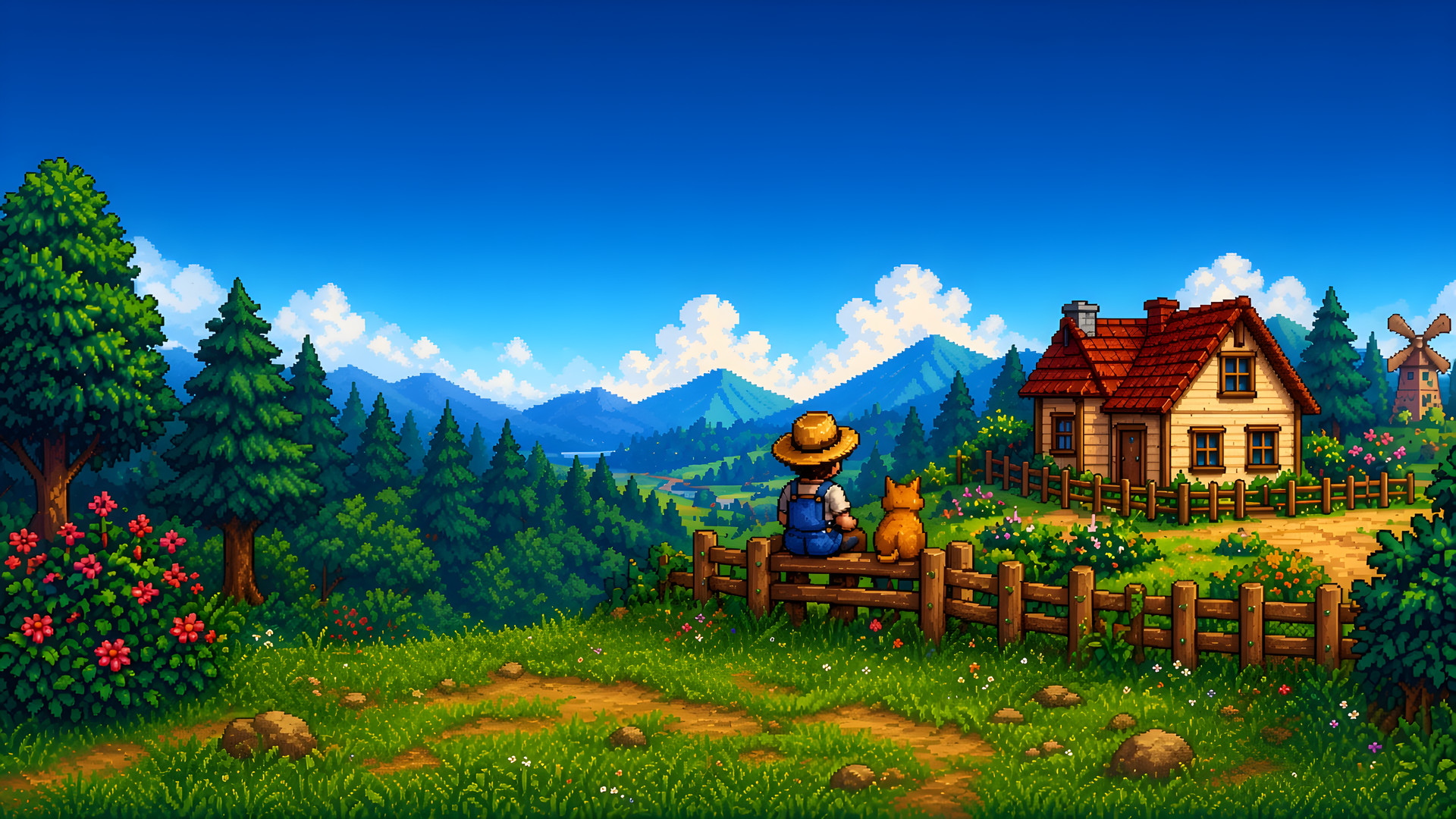
Illustrative artwork showing the kind of changes content packs can make — not actual in-game screenshots.

Easy Installation
Get started in just a few steps
Step 1: Install SMAPI
Download and run the SMAPI mod loader
Step 2: Download Content Patcher
Get the Stardew Valley Content Patcher download from this site
Step 3: Add to Mods Folder
Place the files in your Stardew Valley/Mods folder
Step 4: Launch the Game
Start playing with your new content!
Requirements
- SMAPI (required)
- Stardew Valley 1.6+

What is Content Patcher?
How Stardew Valley mods change your game safely
Stardew Valley Content Patcher is a free framework that lets content packs change the game’s images, maps, dialogue and data without replacing vanilla files or writing code. It runs on SMAPI and supports Stardew Valley 1.6. Install it once, then add or remove packs whenever you like.
Looking for the Content Patcher Stardew Valley download? It’s free on our Download page. Unzip it into your Mods folder, then add each Stardew Valley mod you like as its own folder.
No direct file replacement
Unlike old XNB mods that overwrote game files, changes load while the game runs, from content packs in your Mods folder.
Conditional changes
Packs can react to the date, season, weather, location, festivals or your spouse, so your farm can change through the year.
Better compatibility
Original files stay untouched, so game updates are much less likely to break your mods, and removing a pack is as easy as deleting its folder.